Variant list
We have a default widget to show a list of product variants. An example is shown below. It shows the variant in a couple of different views, for example in card form, with the image as the background, the title of the template, and the name of the category this template belongs to. When you click on it, it will show the product page.
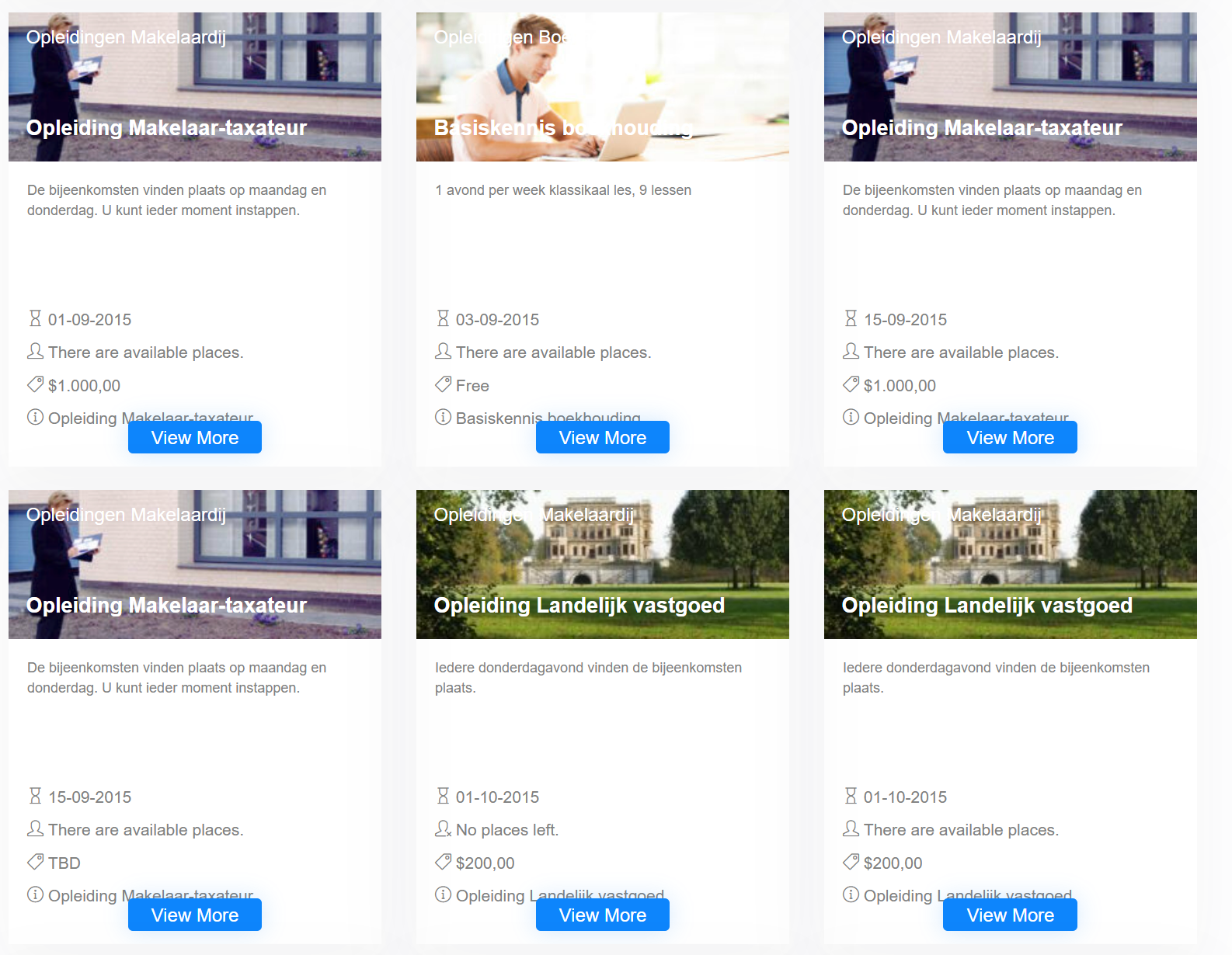
You can customize this widget with your own theme. Read more on how to do this here.
Settings
This widget comes with a couple of settings. You can change the template, of which we currently support three types: 'Card view', 'List view', and 'Vertical view'. You can also change the number of products shown and the ordering, filter specifically on product type (courses only, programs only, or both), or show only the variants for a specific product. If you are showing planned courses, it is possible to enable or disable showing flexible courses.
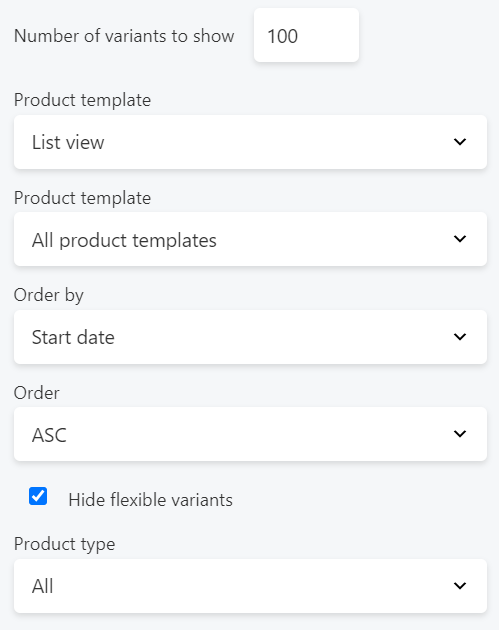
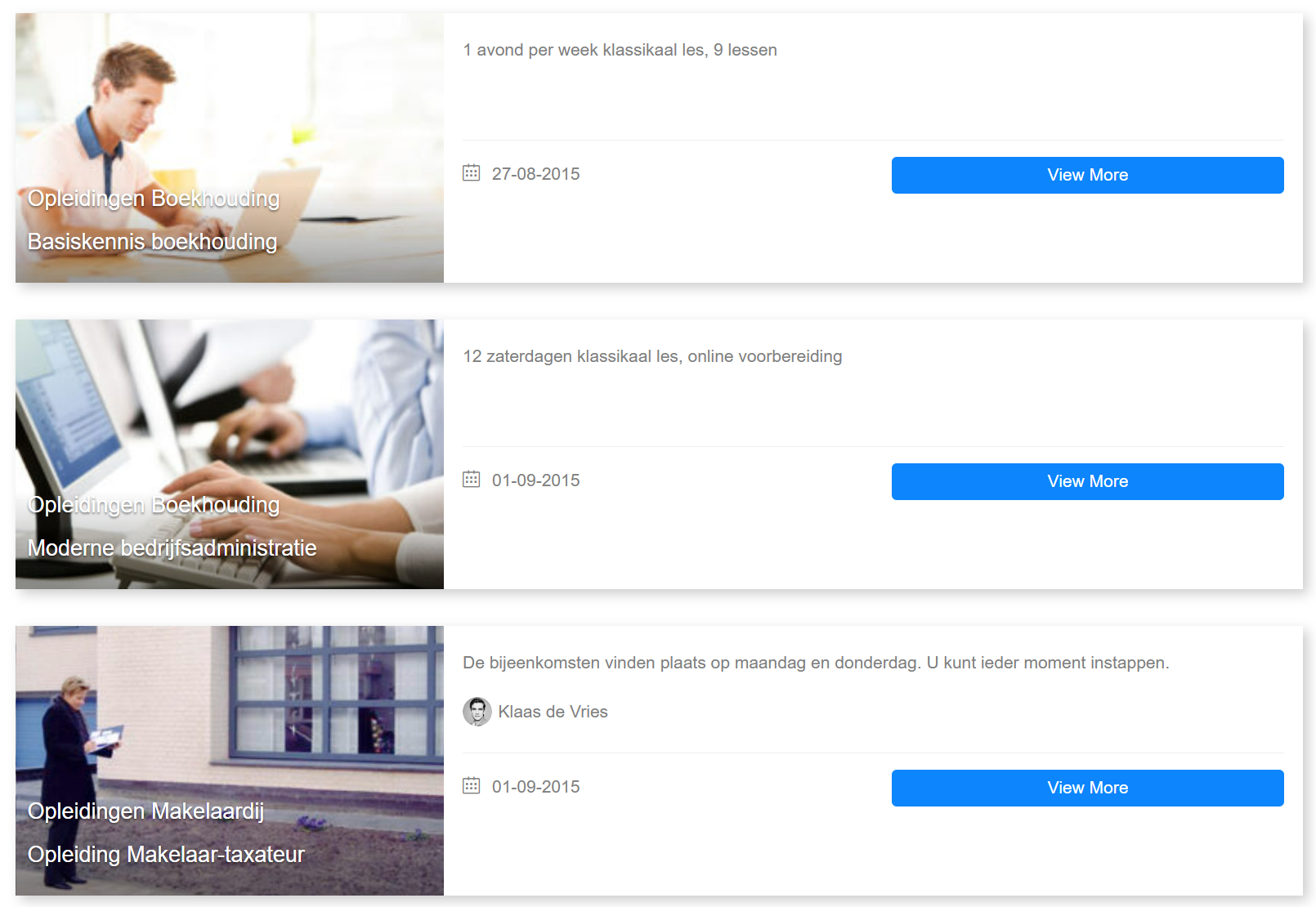
List view

Vertical view
Properties
In this widget there is a difference between programs and courses. A program only shows the edition name, while a course shows the course variant, the teachers if present, and the start date if the course is not flexible. Both show the price and available places, together with the template and category names.