Pages
Out of the box, this plugin adds multiple new pages for a product (course), a page to show a teacher and a page to show a category with the products (courses) that belong to that category. These come with a basic template and styling, which you can override with your own templates and styling. Read more about how to do this here.
Product page
A product in this case is a sellable course or program. These two have a different set of properties, which is why they differ slightly in how they look. If you only use courses in Eduframe, this doesn't apply to you.
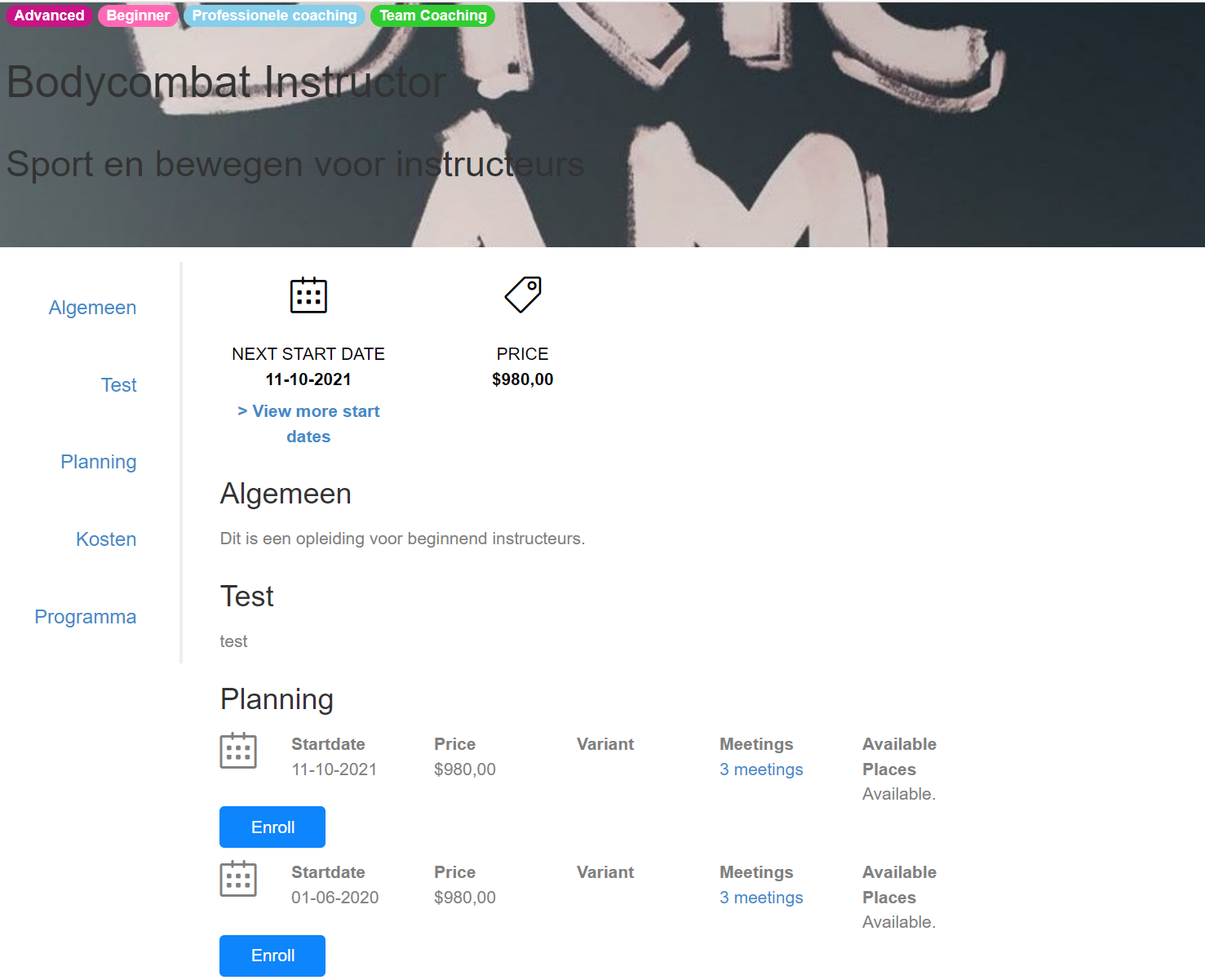
From top to bottom, it shows the labels assigned to the template, the name of the template, and the name of the parent category. The main body consists of the course tabs defined in Eduframe. Note that only tabs with actual content will be shown.
When you are using the tab 'Planning', the plugin automatically adds the shortcode '[variants]'. You can read more about this shortcode here.
Properties
The difference between a program and a course is that a course has start dates, course variants, meetings, and course locations assigned, while a program only has an edition name. They both have the properties: price and available places.
Enroll button
This page will show an enroll button on the right that will link to the Eduframe signup page for the template (without a pre-selected product variant).
Teachers
On this page it is also possible to include a list of teachers. For this you can add the text {{teachers}} somewhere in a course tab in Eduframe. The plugin will automatically add a list of teachers that are assigned to that course. More about this here.
Teacher page
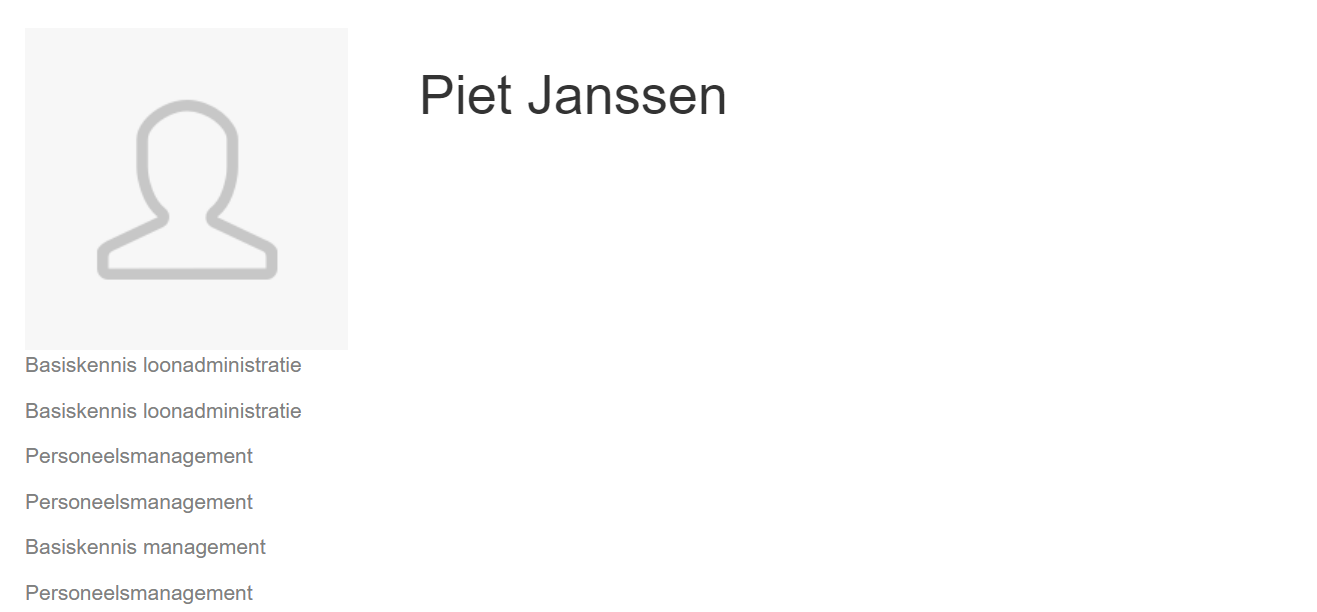
We also have a default template for the teacher page. It is very simplistic and most likely requires you to create your own template and styling. It contains a list of all the names of course templates that this teacher is assigned to. Note that this list cannot include programs and thus will only show course template names.
Category page
The category page is similar to the teacher page; it contains the image, the name, and a list of product templates in card style that belong to it. These cards are clickable and will link to the corresponding product page.
By default, only direct children (products) of the category are displayed. Showing nested products requires customization.