Search
This widget adds an input field where users can enter a search term. It then opens the products page as set up in the settings and filters based on the input provided by the user. This only works if used with the Variant list with filters widget.

tip
You can customize this widget with your own theme. Read more on how to do this here.
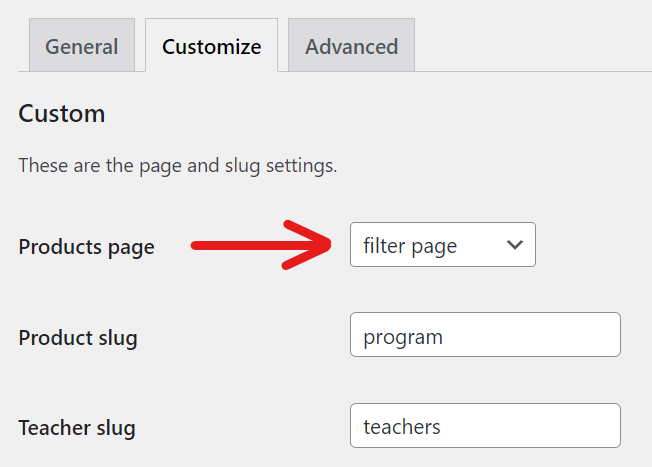
Courses page setting
To change the page that opens after searching, go to Settings -> Eduframe -> Customize and select the desired page from the Products page dropdown list.