Variants shortcode
On the product page it is possible to include a list of product variants, also known as program editions or planned courses. By default, the plugin automatically adds this to a course tab called 'Planning'. If you don't have that tab, or you renamed it, you can manually add the text '{{variants}}' to the contents of the course tab in Eduframe where you want to show this list.
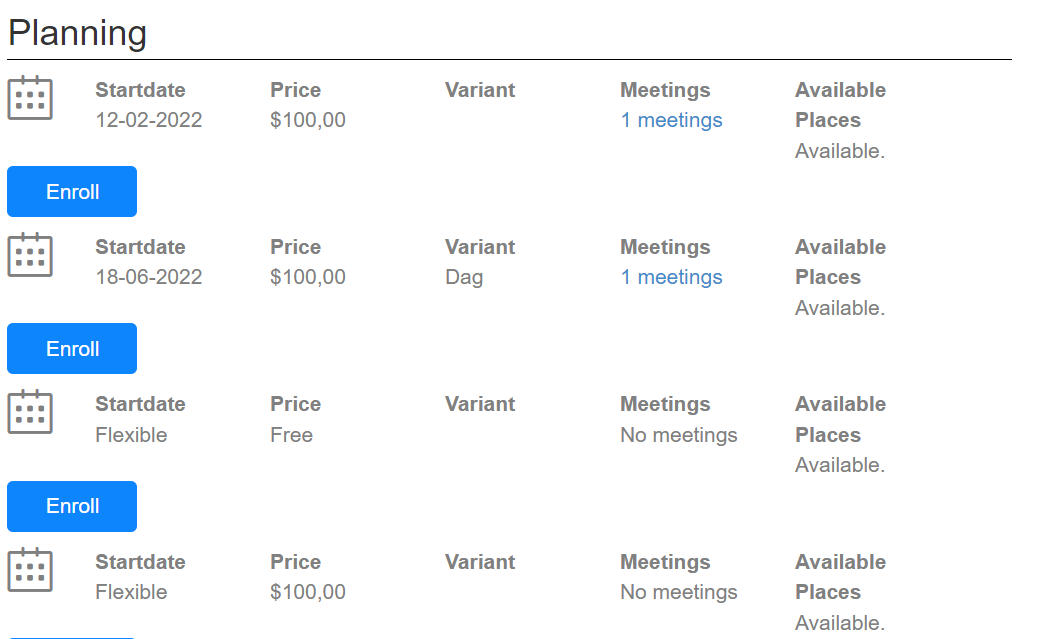
You can customize this shortcode with your own theme. Read more on how to do this here.
Enroll button
The enroll button will link to the Eduframe signup page for the corresponding product and will pre-select the product variant.
Properties
This list changes depending on whether a program or a course is being shown. The image above shows the layout for a course. For a program, it shows the following (only available in V2).
